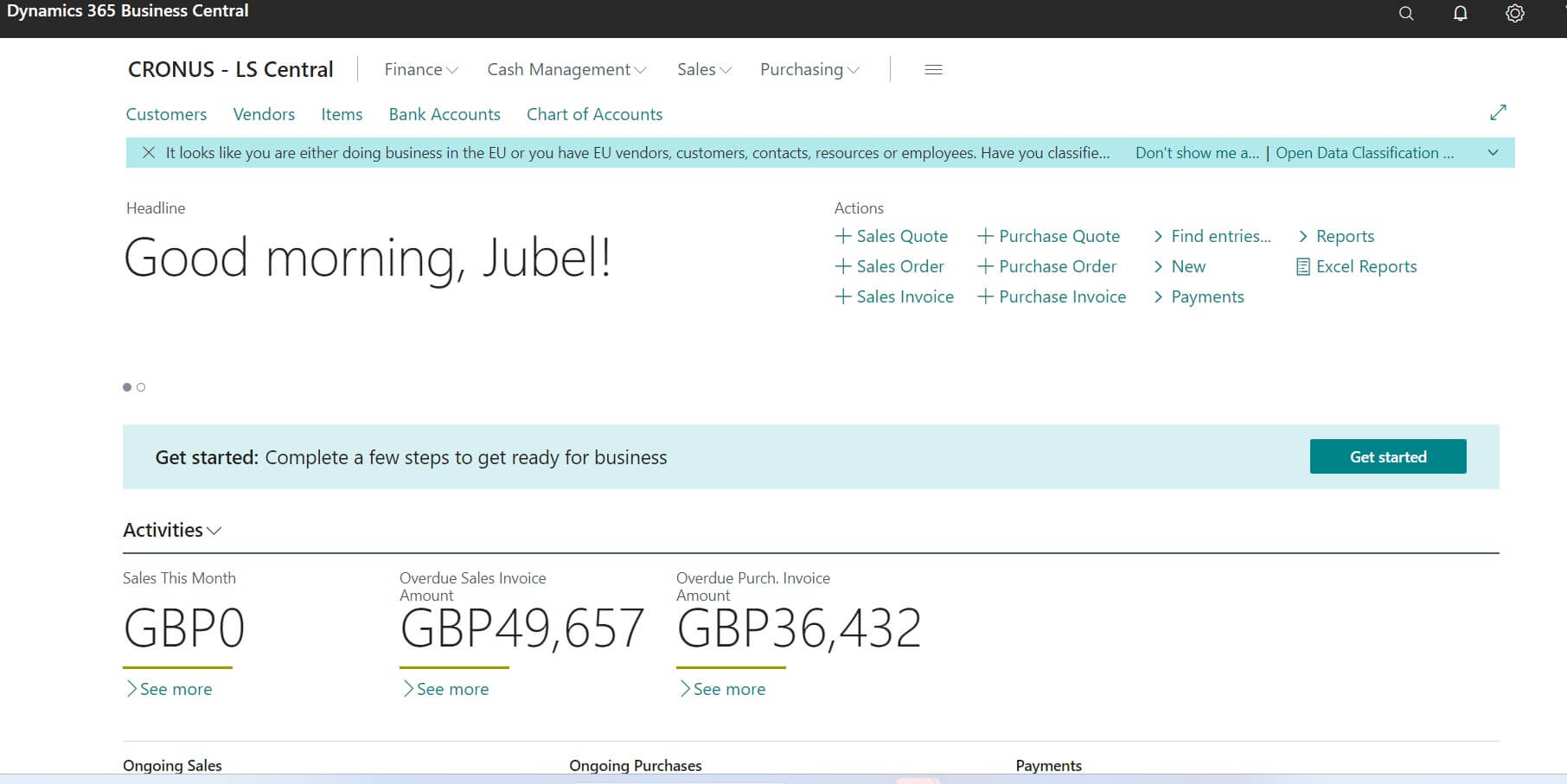


This post is dedicated to those who asked recently to get the simple comparison result between C/AL coding language used in Dynamics NAV / Navision vs AL Language used in latest edition of Business Central. Hope after checking simple table you will get complete how C/AL vs AL differed.
Difference between C/SIDE(C/AL) vs VS Code(AL)
Difference between C/SIDE(C/AL) vs VS Code(AL) details is as follows
| C / AL | AL |
|---|---|
| C/AL – Client/Server Application Language | AL – Application Language |
| Keyword Uppercase | Keyword Lowercase |
| .NET Support | Native Web Services Types |
| Object Designer | Real Time Compiling |
| Symbol Menu | Option Member |
| File Support | File Upload from Stream |
| Translations in Objects | Where Used |
| Coding on Same application area – Object Designer | Coding via Open Source product Visual Studio Code |
| Object Extension Creation Difficult or Limited set of options available | Object Extension Creation Easy |
| These Options not available or Limited option available with some features similar. | > Formatting, syntax highlighting and rich IntelliSense > Support for and snippets to define Codeunits, Pages, Page Extensions, Tables, Table Extensions,XMLPorts, and Reports > Support for reference by symbols ( Shift+F12 ) to jump to all instances of a specific symbol Added support for using HTTP and JSON types to access Azure functions and other Web Services > Ability to define a dependency on another extension by listing it in the app.json configuration file Autogeneration of app.json and launch.json project files |
| Object stored in .FOB or .txt files | Object stored in .APP files |
| Source Code Visible | Source Code Not Visible directly |
| Include Standard Objects and Standard Code can be changed | You cannot the change the Standard code. You have to create extension and then extend the functionality. |
Development Interface Screen Difference
Following image shows the object development area / Coding Interface difference
C / AL Coding Interface


AL Coding Interface

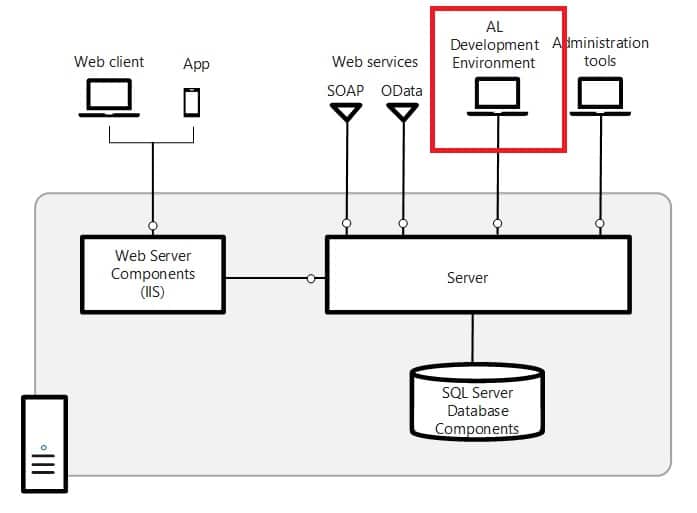
Trademarks & Screenshots: Microsoft, Dynamics 365, Business Central, Dynamics NAV, and related names are trademarks of Microsoft Corporation. LS Central and LS Retail are products of LS Retail. Screenshots are used for educational and illustrative purposes only. Navision Planet is an independent resource and is not affiliated with, endorsed by, or sponsored by Microsoft or LS Retail. All product names, logos, and brands are the property of their respective owners.